
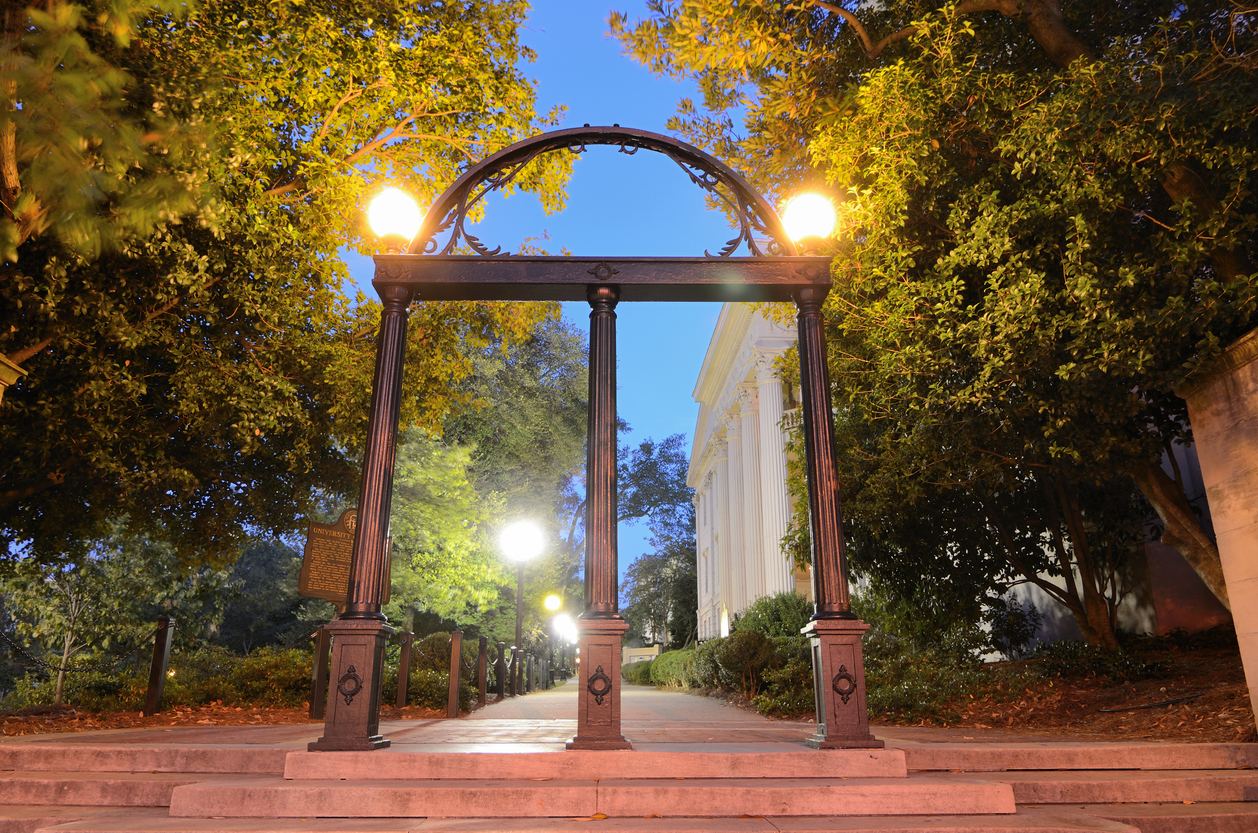
Speculative Redesign Website
About
For my final project in Web Development this spring, I completed a speculative redesign of a website I originally built using basic HTML in an earlier assignment. I reimagined and significantly enhanced the concept using WordPress, transforming it into The Dawghouse Directory—a comprehensive guide to my favorite restaurants, dessert spots, study spaces, local activities, and UGA traditions. It also features a beginner-friendly Gameday Guide to help new Dawgs make the most of their Athens experience.
The Challenge
There were many challenges that came with this project. Because I chose to redesign a previous website, I was forced to come up with new content and ideas to build upon what I already had. My previous website, which can be found here looks like this:


At the time, I was proud of small achievements, such as coding a navigation bar, changing font color and size, adding elements like boxes, bolding, italicizing, shadows, borders, underlines, and adjusting image sizes. However, now that I had gained the skills to develop an interactive website over the course of the semester, I was challenged to dive much deeper into web development than I ever imagined.
From the start, I had a clear vision for this project: I wanted to include an interactive map, dynamic galleries, and an enhanced user experience, all within my most comprehensive website yet. In order to achieve this, I knew I would have to work with WordPress plugins, a tool that I had not fully explored before.
I aimed to include as much valuable content as possible, while maintaining a polished, professional website that reflects the aesthetic and spirit of both Athens and UGA.
The Process
I decided to incorporate the plugins WP Maps, Modula, B Carousel, and Animate In View to create an interactive user experience.

WP Maps allowed me to create an interactive map where I highlighted popular tailgating locations around Athens. I dragged a circle or rectangle along the area I chose and save it. I also added markers for specific houses, fields, or buildings within the highlighted areas in order to create a more specific guide. I then copied and pasted the short code onto my desired page.
With Modula, I was able to create twelve galleries with images that opening into lightboxes. I added titles and captions to most, edited the radius of the images, and organized them how I pleased.

With B Carousel, I was able to create several moving carousels of images with titles and captions. With Animate in View, I was able to add special effects to blocks when they come into view on a page. I also spent time exploring Athens and capturing images to use for this website.
As for the rest of the website, I focused on styling attributes and content creation to create an extensive, accessible, and interactive website. My original website only included three restaurant reccommendations and three study spot locations. With this website, I included a homepage with fun facts and history, and about page explaining who I am and why I created it, a gameday guide, and pages listing restaurants, dessert spots, study spots, concert venues and boutiques.
Results
Ultimately, I am extremely proud of what I was able to accomplish with this website. I gathered over 150 pictures, explored WordPress plugins, redesigned the color schemes and template elements, and created a mix between informational and opinionated content. I allotted significant time and energy to overcoming obstacles to create an interactive, user-friendly, fully fleshed-out website for this project.


